
Free YouTube Transcript Generator – Get Youtube Transcripts in Seconds
Generate accurate YouTube transcripts instantly with AI. Just paste a video link and get clean, editable text for subtitles, summaries, or SEO content — all for free.
 YouTube
Smarter Way to Generate YouTube Transcripts with Seekin
Seekin offers a smarter, faster way to generate YouTube transcripts with AI. No more manual transcription—get accurate, clean, and editable video text in seconds.
- Accurate AI Transcripts: Automatically generate precise YouTube video text.
- Timestamps: Easily identify speakers and follow along with the video.
- Editable & Clean Text: Ready for subtitles, summaries, or SEO content.
- Fast & Free: Instant results with no login required.
How to Generate a YouTube Transcript
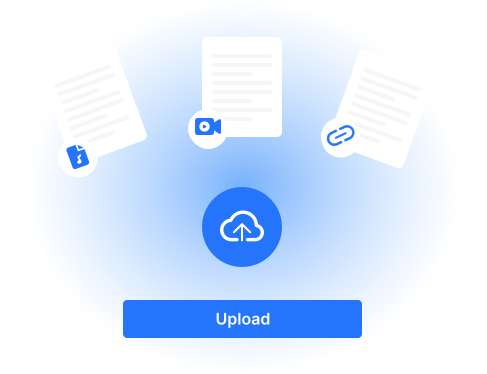
Paste YouTube Link
Copy the URL of the YouTube video you want to transcribe and paste it into Seekin.
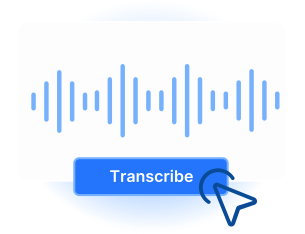
AI Creates Transcript
Seekin’s AI instantly transcribes the video, detecting multiple speakers and formatting for readability.
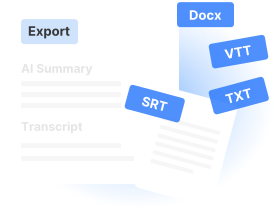
Edit or Export
Review, edit, and download your transcript as TXT, SRT, or Word format.
Key Features of Seekin YouTube Transcript Generator
Unlock the full potential of your YouTube content with Seekin. Our AI-powered transcript tool quickly converts videos into accurate, editable text, complete with timestamps and formatting ready for subtitles, summaries, or SEO content.

Accurate AI Transcripts
Automatically generate precise YouTube video transcripts with AI. Capture every word accurately for captions, notes, or SEO purposes.

Timestamps Included
Automatically include timestamps in your transcripts, making it easy to follow along, locate specific sections, or sync text with subtitles.

Editable & Clean Text
Receive clean, editable transcripts that are ready for content creation, summaries, subtitles, or SEO optimization.

Fast & Free
Generate YouTube transcripts in seconds with no cost, no login, and no signup required for instant results.

Supports Long Videos
Efficiently transcribe long-form YouTube videos, lectures, or tutorials while maintaining speed and accuracy throughout.

Easy Copy & Export
Quickly copy or export transcripts in multiple formats, making it easy to use for subtitles, notes, or content repurposing.
Practical Uses of Seekin YouTube Transcripts
Show how Seekin can help you get more from your YouTube videos — from subtitles and summaries to SEO content and note-taking.
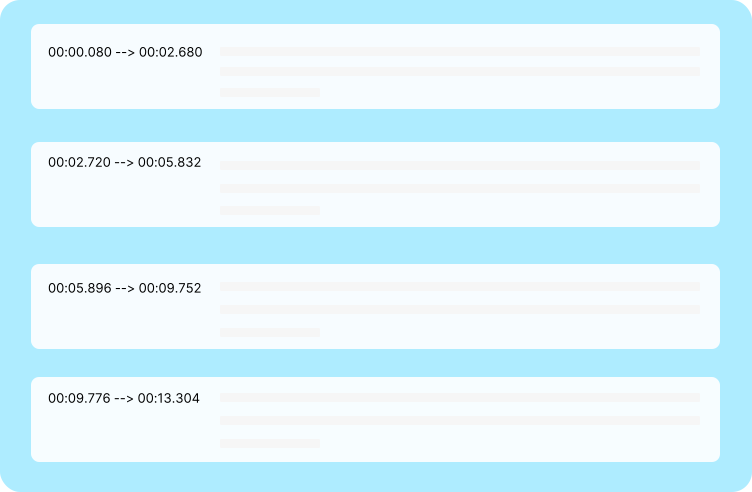
Create Subtitles for Videos
Generate accurate YouTube transcripts to create subtitles quickly and easily, improving accessibility and viewer engagement.
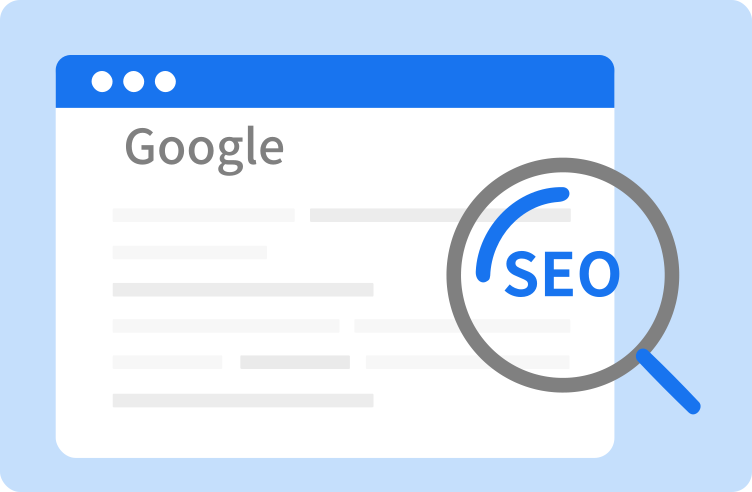
SEO Content & Blog Posts
Turn YouTube videos into text for content repurposing. Use transcripts to enhance SEO, create articles, or support your website content strategy.
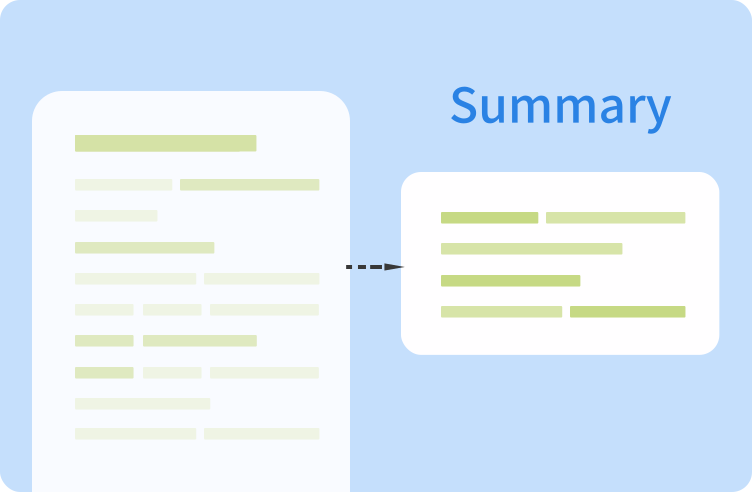
Study Notes & Summaries
Automatically transcribe lectures, tutorials, or educational videos to take notes, summarize key points, and review content efficiently.

Content Repurposing & Social Media
Repurpose your YouTube transcripts into social media posts, newsletters, or scripts, saving time and maximizing your content value.
Frequently Asked Questions
How accurate are Seekin YouTube transcripts?
Seekin uses advanced AI technology to generate highly accurate YouTube transcripts. It captures spoken words precisely, making it suitable for creating subtitles, notes, summaries, or SEO content. Accuracy may vary slightly with background noise or unclear audio, but overall it ensures a reliable transcription.
Can I use Seekin for free without signing up?
Yes! Seekin provides a fully free YouTube transcript service that does not require any account registration or login. You can paste your video link and generate accurate transcripts instantly without any hidden fees.
Does Seekin support long YouTube videos?
Absolutely. Seekin can efficiently handle long-form videos, lectures, tutorials, and webinars. The AI maintains speed and accuracy throughout the transcription, making it ideal for both short clips and multi-hour content.
How can I use the transcripts for SEO purposes?
You can repurpose YouTube transcripts generated by Seekin into blog posts, website content, or social media articles. By embedding accurate video text on your site, you can improve search engine indexing and enhance SEO rankings with relevant keywords.
Can I edit the transcripts after generating them?
Yes, all transcripts generated by Seekin are clean, editable, and ready for use. You can modify the text for subtitles, summaries, content repurposing, or SEO optimization without any formatting issues.
What types of YouTube videos are compatible with Seekin?
Seekin works with most public YouTube videos that have clear audio. It supports tutorials, educational content, vlogs, webinars, and other types of videos. Note that videos with extremely poor audio quality may affect transcription accuracy.
youtubeTranscriptGenerator.faq.items.7.Q
youtubeTranscriptGenerator.faq.items.7.A
youtubeTranscriptGenerator.faq.items.8.Q
youtubeTranscriptGenerator.faq.items.8.A
Transcribe Any YouTube Video in Seconds
Paste your YouTube link, and let Seekin’s AI turn it into clean, searchable text—free trial available now.